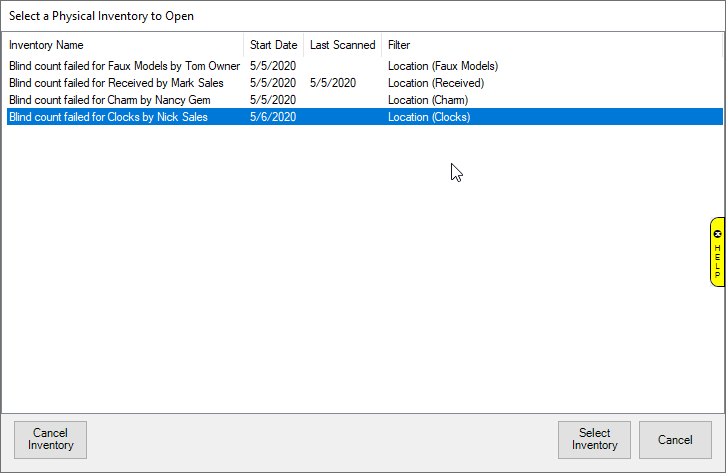
Performing the Physical Inventory created with too many failed attempts on a Blind Count is the next step in finishing the count. It generates as a Case Count and should be performed as such.
To find Created Physical Inventory:
1.
 |
2. Select the failed Blind Count of choice.
3. Click Select Count to continue to the next screen to perform the Physical Inventory.
4. A count may be cancelled with management override by selecting Cancel Inventory.
5. The Physical Inventory screen will open allowing you to perform the Case Count.
Alternatively, Blind Counts may also be found by going to Inventory > Physical Inv. > Finish Inv. – and following the same steps as above.