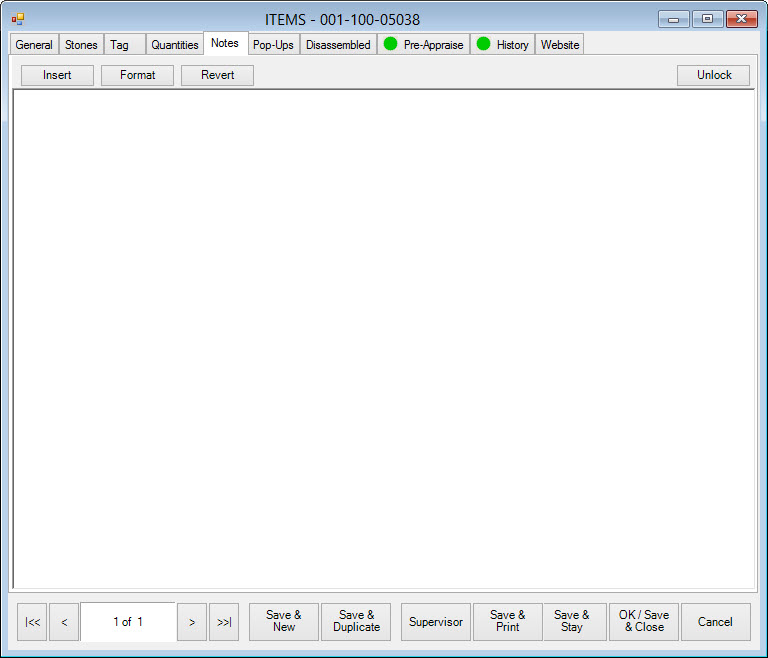
The Notes tab allows you to enter miscellaneous information about the item. Notes will be available at point of sale when the item is inserted into a sale line. This is indicated when the More button on the Point of Sale window is green.
Fields and options in the Notes tab include:
|
Insert |
Insert new note. |
|
Format |
Edit font, color, size, etc. |
|
Revert |
Revert notes to last save. |
|
Unlock |
Unlock previously entered notes. |