
When creating counts for yourself you will be able to perform the count immediately. When creating for other associates, they can view their active counts under My Counts.
Blind Counts was designed to work with a manager creating the counts for other associates to perform. However, it is also possible to create a count for yourself and immediately complete it.
|
|
When creating counts for yourself you will be able to perform the count immediately. When creating for other associates, they can view their active counts under My Counts. |
To create Blind Counts:
1. Click Inventory > Physical Inv. > Blind Counts > Add. The Blind Counts window will appear.
2.
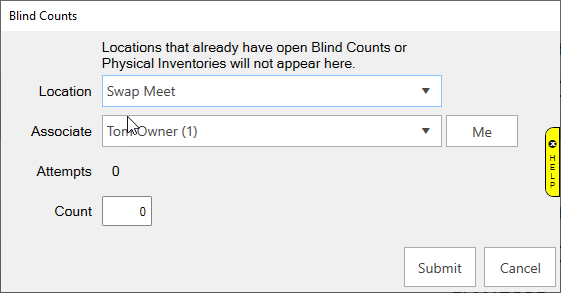
 |
3. Click Save. The Blind Count has been created.