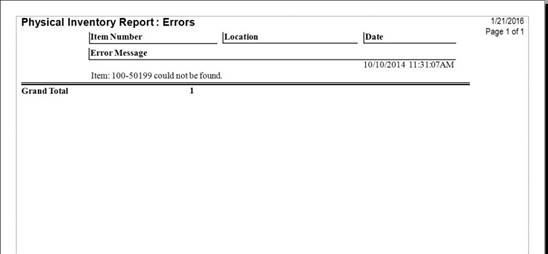
The Errors report provides a listing of error messages.
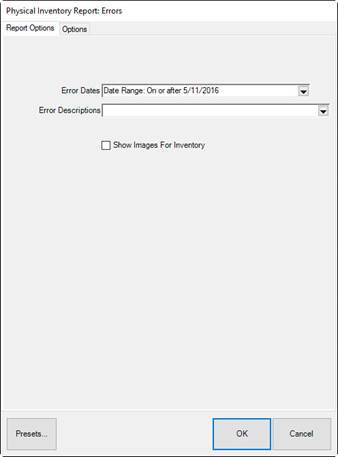
Fields and options in the Report Options tab include:
|
Error Dates |
Returns error records for the specified inventory dates; the default is the last date an inventory was started. |
|
Error Descriptions |
Returns error records with matching descriptions. This list will be populated with errors that have appeared. |
|
Show Images for Inventory |
Whether to include item images. |
Fields and options in the Options tab include Group By options:
|
Store |
Groups results by store. |
|
Item ID |
Groups results by item ID |
|
Location |
Groups results by location. |
|
Date |
Groups results by inventory date. |
Note that you can move these options up and down in the list to change the grouping structure within each.