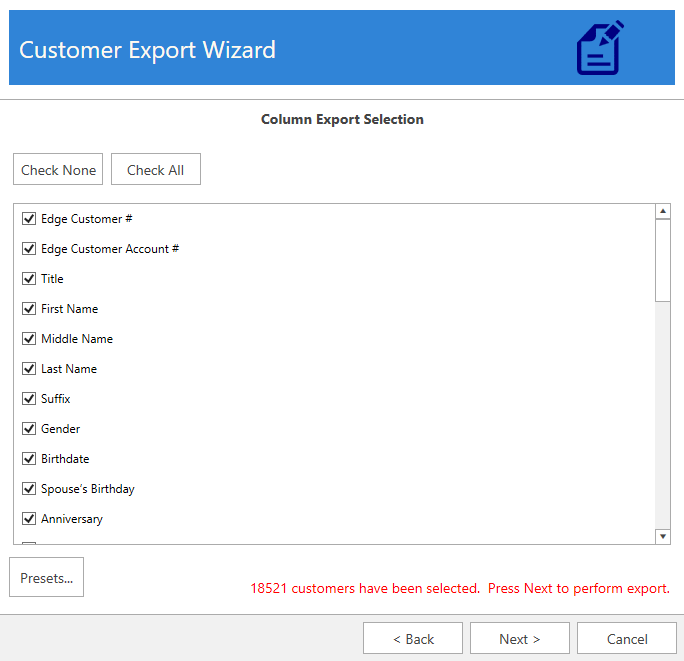
If you are exporting with the intention of importing this data back into the Edge you must include the Edge customer number.
The Customer Export Wizard can be used to export customers and their contact information to a data file. Supported formats include CSV, JSON, and XML.
This tool can be used to export customer information for third-party cleanup. See Customer Import Wizard for information on importing cleaned up data back into the Edge.
|
|
If you are exporting with the intention of importing this data back into the Edge you must include the Edge customer number. |
To export customers using the wizard:
1.
 |
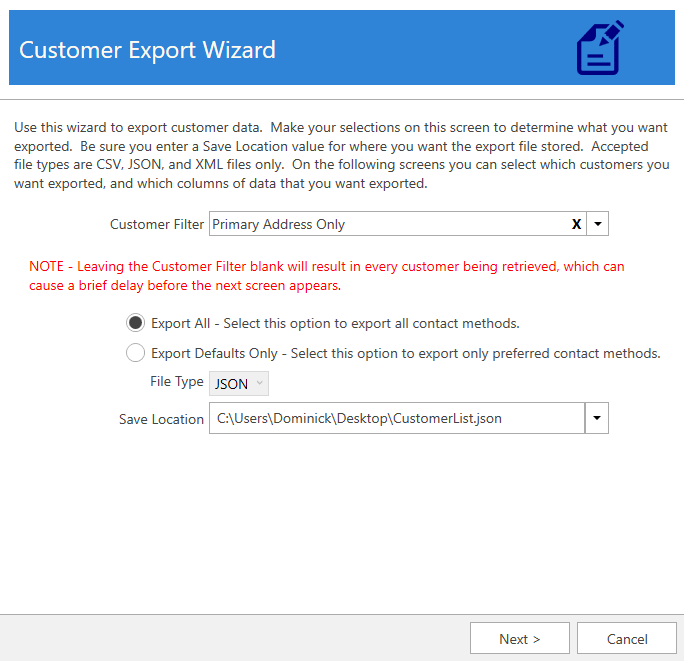
2. Use the Customer Filter drop-down to specify criteria. If you do not specify criteria, all customers will be included.
3. Select whether you want to Export All or Export Defaults Only.
|
Export All |
Exports customers along with all address, phone, and email methods on file. |
|
Export Default Only |
Exports customers with only the default (preferred) contact methods. All other contact methods are excluded. |
4. Use the File Type selector to choose the export format: CSV, JSON, or XML.
5. Choose a Save Location, then click Next.
6. All customers that matched the Customer Filter criteria will be displayed. Check the ones you wish to include and click Next.
7.
|
8.
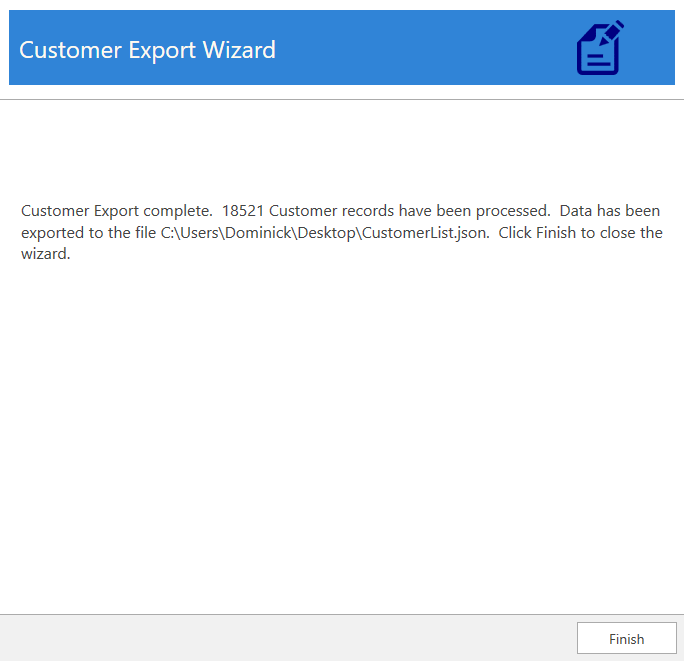
The export is now complete.